No Widget Added
Please add some widget in Offcanvs Sidebar

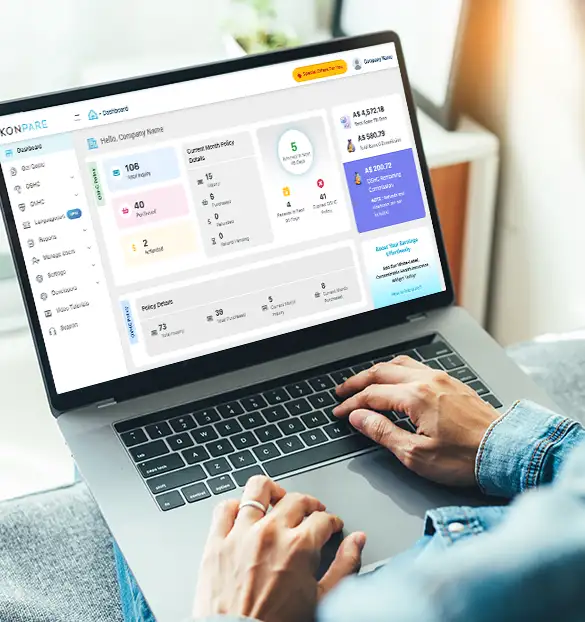
for education agents, institutes, and migration consultants to purchase, issue, and manage OSHC and OVHC policies for their clients.






Create your agent account in seconds and start comparing right away.

Access multiple government-approved providers like Nib, Ahm, Medibank and Allianz Care.

Issue overseas health cover certificates within minutes of purchase.

Partner with us and earn attractive commissions on every policy sold.
Track multiple policies across different insurance providers within a single interface.
Streamline monthly financial reconciliation by receiving combined commissions and single statement.
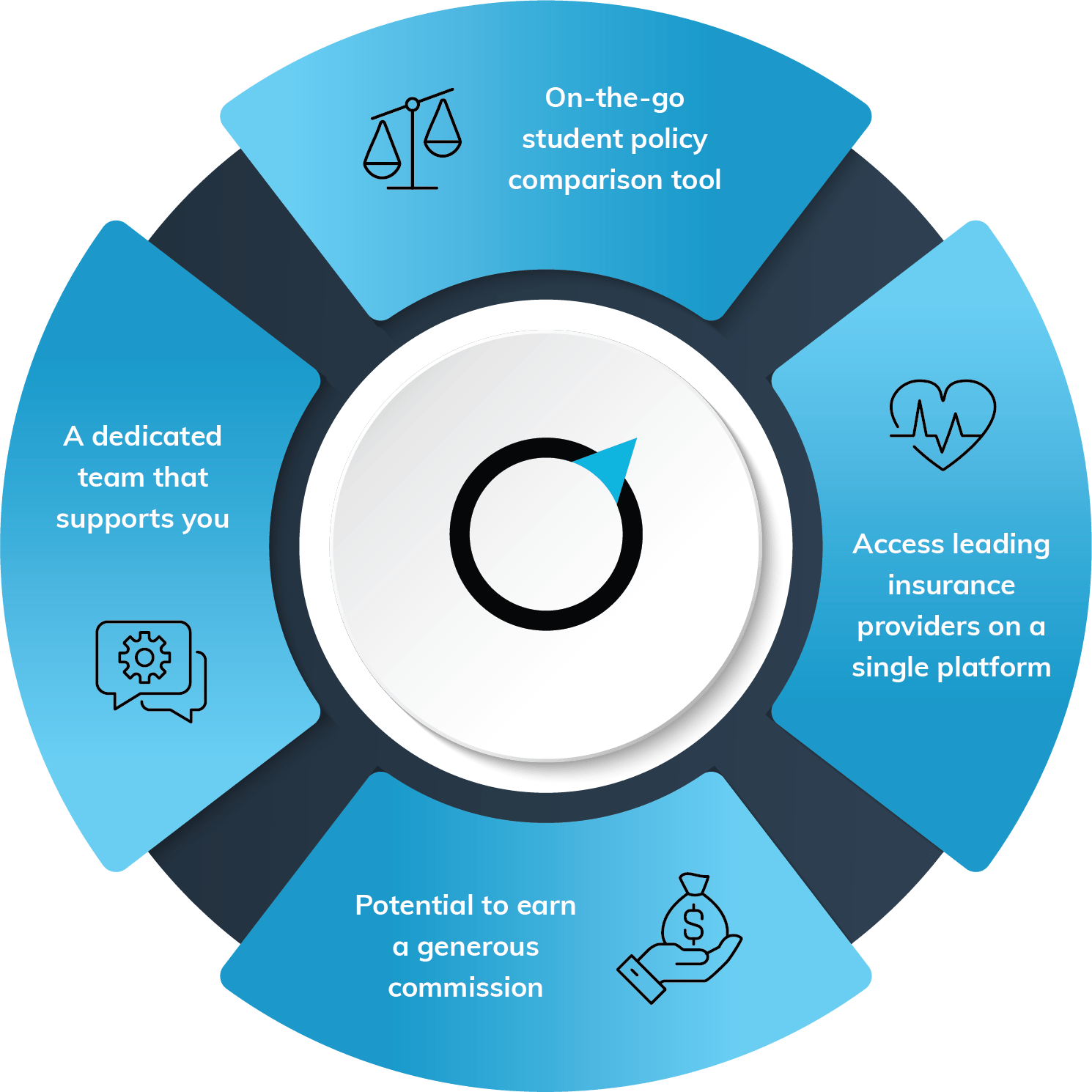












Do not let any concerns related to the OSHC & OVHC comparison trouble you; let us take care of this for you.
No — joining KONPARE is completely free. There are no setup fees, subscription charges, or upfront costs of any kind. You simply sign up, get verified, and you're ready to start selling OSHC and OVHC policies immediately.
Yes — you can start purchasing policies the moment you sign up. KONPARE is designed for instant activation. The entire process is:
➡ Register — Create your free partner account
➡ Compare — View and compare quotations in real time
➡ Pay — Complete the transaction securely
➡ Done — Policy certificate generated instantly
KONPARE isn't just a comparison tool — it's a complete business infrastructure for agents dealing in OSHC and OVHC. Here's what you gain:
➡ Fully automated portal — Compare, quote, and issue policies in one place, without manually contacting insurers
➡ 24x7 dedicated support — Your team is never stuck waiting for business hours
➡ Automated commission disbursement — No chasing payments; earnings tracked and paid automatically
➡ White-label solution — Present the platform under your own brand to clients
➡ Widget & API integrations — Embed KONPARE directly into your own website for a seamless client experience
Yes — for eligible partners, KONPARE offers website widget and API integrations. This means your clients can compare and purchase OSHC/OVHC directly from your site without ever visiting KONPARE's portal, keeping your brand front and centre throughout the transaction.
➡ Widgets — Embeddable comparison tools that sit inside your existing web pages
➡ White-label portal — A fully branded version of the KONPARE platform
➡ API access — For tech-enabled agencies wanting custom integrations
Integration eligibility is confirmed during onboarding. Speak to your Relationship Manager after sign-up to explore the right option for your setup.
Yes — real-time commission tracking is built into the portal. You can see your earnings as they accrue, broken down by policy. KONPARE handles disbursement automatically, so you receive your commissions without needing to raise invoices or follow up.
For Australian Agent the commission is disbursed within 30 days of the policy purchase and for Overseas Agent it takes around 45 days to disburse the commission to their nominated bank account.
Every KONPARE partner is assigned a dedicated Relationship Manager from day one. Your RM is responsible for:
➡ Guiding you through onboarding and your first transactions
➡ Answering product and policy questions
➡ Assisting with any client escalations or complex cases
➡ Keeping you updated on platform changes and insurer offerings
➡ Beyond your RM, KONPARE's 24x7 support team is available for urgent assistance, so you're never left without help when a client needs a policy urgently.